Using Power Automate to filter on Yes / No checkbox fields in SharePoint

Another 'hidden' gotcha that I figured I'd share in the SharePoint / Power Automate world ....
I created a Power Automate recently, which needed go through all items in a SharePoint list where a particular Checkbox field was ticked.
Should be simple, right? Just put a wee Filter Query in the 'Get Items' action in Power Automate - easy, right?
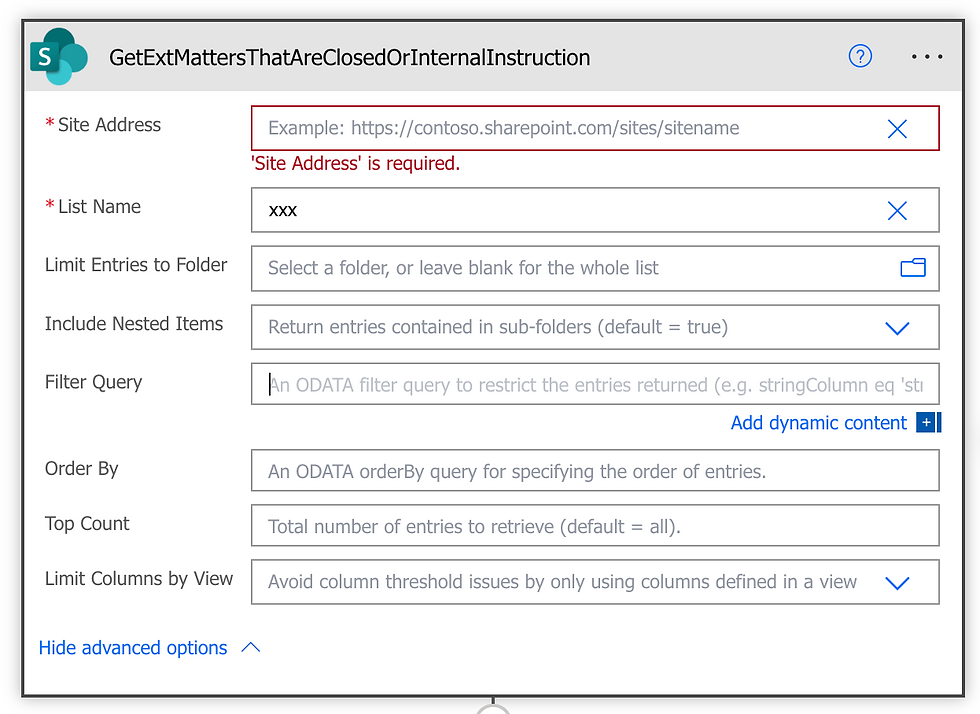
NO! I tried:
CheckboxField eq true ❌
CheckboxField eq 'true' ❌
CheckboxField eq Yes ❌
sigh .... none of the above would work!
In fact, the correct ODATA filter query syntax for Yes/No checkbox fields in SharePoint is:
CheckboxField eq 1 ✅

Intuitive? No ; Handy to know? Yes!
Comments